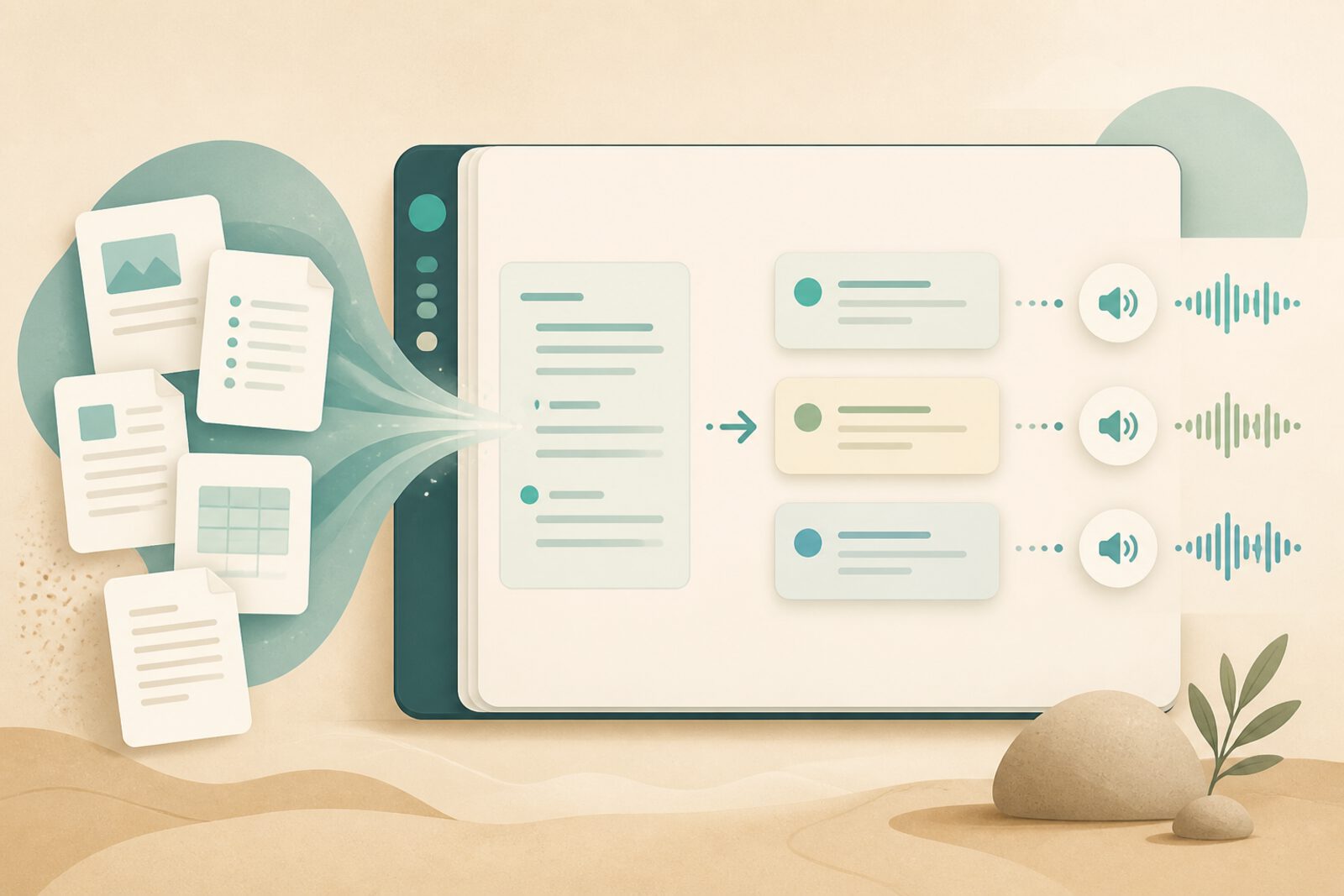
NotebookLM is a Google tool that lets you upload documents, notes, PDFs, or links and chat with that material: ask for summaries, study questions, outlines, or review guides. For families supporting online education, it can be an organization assistant—not a shortcut for adults or students to stop thinking.
The pedagogical key is simple: NotebookLM works best when the family chooses the sources and when the child must explain, apply, or create afterward. If answers are only copied, there is no learning—just text download.
What it can do (and should not do)
- Yes: summarize a chapter you already read, generate self-check questions, organize ideas for a project.
- Yes: help an adult understand a topic enough to support better.
- No: replace full reading when deep understanding is the goal.
- No: deliver “finished” work with no student review or explanation.
- No: treat it as the only source of truth—always cross-check.
Family setup (15 minutes)
Before opening the tool, define the block goal: “understand this topic,” “prepare an oral,” “organize the project.” Together choose 1–5 trusted sources (their own notes, an agreed PDF, a serious article). Upload only that. Fewer sources, more focus.
Agree on roles: the student asks the questions; the adult watches for skipped understanding; both check whether the summary matches what was read. If NotebookLM invents something not in the sources, that is a golden moment to teach verification.
Recommended home study flow
- Step 1: prior reading or short video (no AI).
- Step 2: upload sources to NotebookLM and ask for a bullet summary.
- Step 3: ask for 8–10 practice questions and answer on paper or out loud.
- Step 4: ask for an outline or idea map and redraw it by hand.
- Step 5: family close: the child explains the topic in 2 minutes without looking at the screen.
Useful family prompts
- “Summarize this material in 7 key ideas for a learner at [age/level].”
- “Give me comprehension questions from easier to harder.”
- “What everyday examples from Chile or LatAm illustrate this concept?”
- “List typical confusions about this topic.”
- “Help me build a 3-day study plan with 25-minute blocks.”
Concrete accompaniment ideas
For an oral: generate a short script, then practice aloud. For a project: ask for a day-by-day task plan. For weekly review: create a quiz and mark what is answered alone versus what needs reinforcement. If the tool offers audio formats or study guides, use them as complements—not substitutes for active practice.
Privacy and care: do not upload sensitive family documents, unnecessary personal data, or material you do not have rights to use. Always review account settings and supervise minors according to age and the tool’s current policies.
Signs of good use
- The student can explain without reading the chat.
- There is original evidence (hand notes, audio, exercises).
- Answers are checked against original sources.
- It reduces “I don’t know where to start” anxiety—not the ability to think.
NotebookLM shines when the family already has a routine and wants better study organization. If basic habits are still missing, consolidate space, blocks, and reading first; AI comes later, as support.