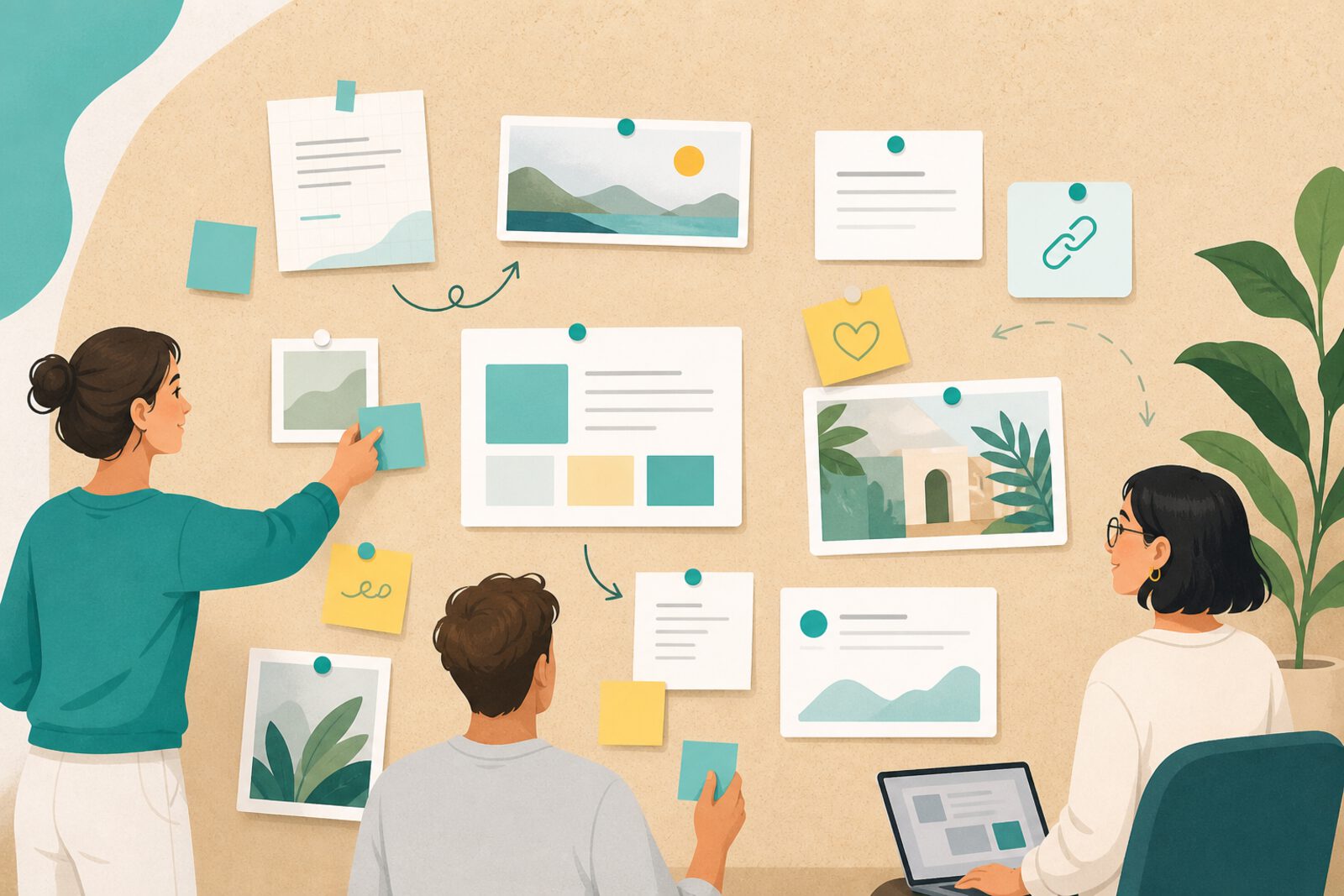
Padlet is a virtual board where you post notes, links, images, videos, audio, and documents on a visual wall. Think of a shared digital corkboard: each card is a contribution. It is easy to learn and works well on mobile—important in Latin American homes where the phone is often the main device.
In home education, Padlet shines as a space for evidence and projects: not only consuming content, but showing what was produced. That helps when documenting learning for self-assessment, portfolios, or simply seeing progress month to month.
What it is and how it is organized
Each padlet has a layout (wall, grid, timeline, map) and configurable permissions: read-only, collaborate via link, or email invite. It can be public or private. Free tiers limit active padlets; paid plans expand storage and moderation.
Unlike chat, Padlet keeps everything visible in one place—less infinite scroll, more overview. Unlike a cloud folder, the wall format helps compare ideas side by side.
What it is good for at home
- Weekly portfolio: photo of an experiment, audio explaining a topic, link to a video watched.
- Brainstorm for an interdisciplinary project (history + art + writing).
- Family-curated resource wall for a topic (weather, fractions, Chilean poets).
- Reading log with one-sentence reviews.
- “Open questions” board that the tutor answers in batch on Fridays.
Padlet also works across families studying in parallel: a shared wall for a reading club or local resource exchange.
How to get started
Sign up at padlet.com and create a test padlet with grid layout. Set simple rules: one card = one idea, clear title, cite sources when copying from the web. Invite the student with a link and try uploading a photo and a 30-second audio. If it works, rename the padlet with month and subject (for example, “Science — June”).
Each Sunday, review the wall together and move the best items to a “highlights” folder. Delete noise to avoid clutter. Fewer well-chosen cards beat a chaotic wall.
Limits and cautions
- Public content is visible on the internet; default to privacy for minors.
- Check copyright on uploaded images and music.
- The free plan has caps; archive old padlets instead of hoarding endless ones.
- Does not replace a math exercise notebook or formal assessment.
- Moderate comments if you enable collaboration beyond the family.
Padlet makes home learning visible and shareable. When the student sees their own wall grow, motivation often comes from pride—not artificial points.